
New feature: Restock Lists
A smarter way to plan and shop for supplies
Say hello to Restock Lists, a new way to plan purchasing in Mix n' Batch.
Instead of guessing what to buy (or discovering you are short mid-production), Restock Lists connect your inventory levels, production plans, and customer orders into one place so you can restock with confidence.
How it works:
- Create a list manually for quick, ad-hoc shopping
- Generate a list from low stock items based on each supply's reorder point
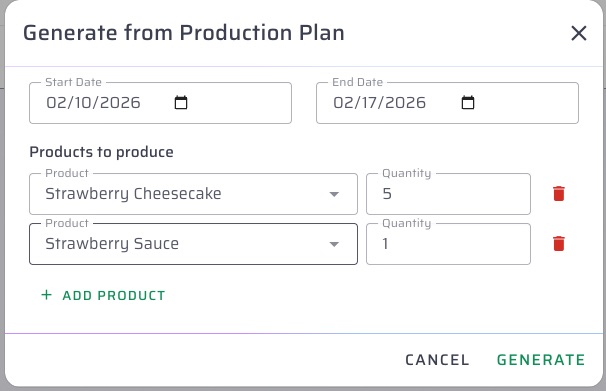
- Generate a list from a production plan and get the exact raw materials needed from your recipes
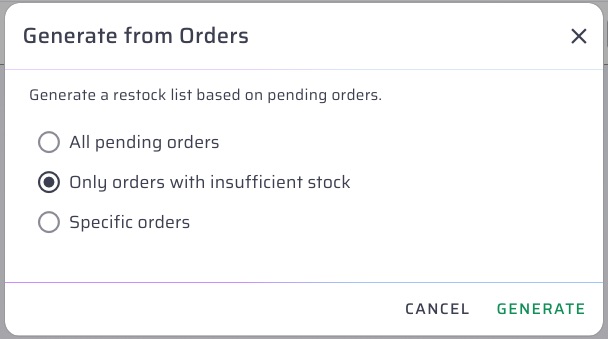
- Generate a list from orders, including a filter for only orders that are short on stock
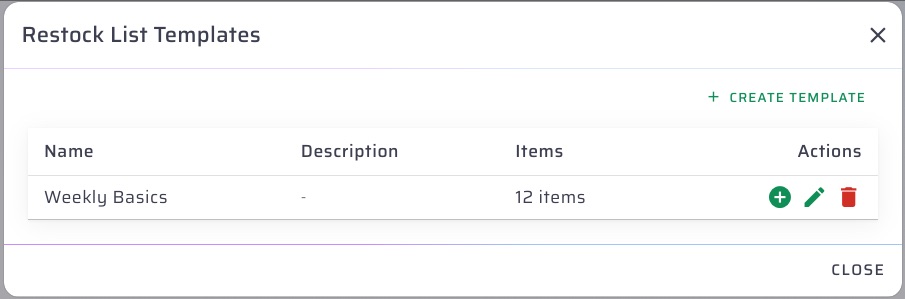
- Save common lists as templates so you can recreate them with one click
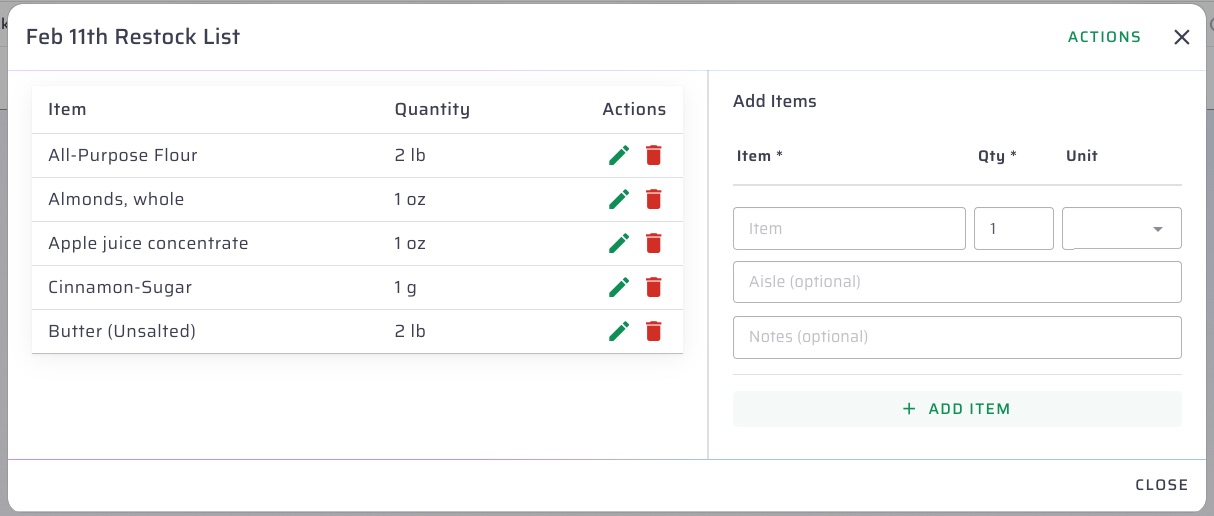
Once the list exists, you can fine-tune it with smart search, override units and aisle locations, and add item notes like brand preferences or special instructions. If your list was generated from orders or plans, you can also regenerate it to reflect real-time inventory and requirement changes.
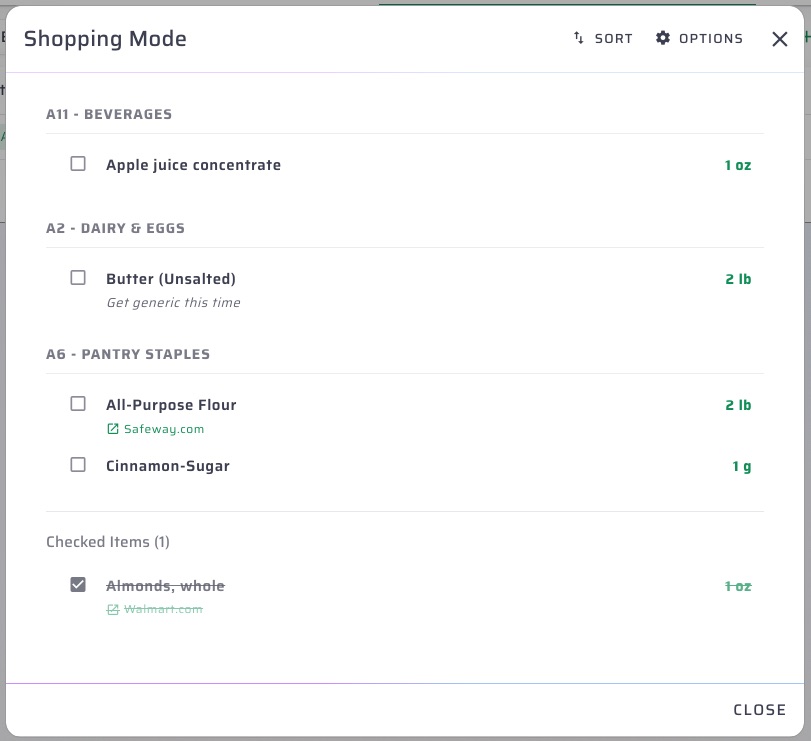
When it is time to shop, switch into Shopping Mode for a mobile-friendly workflow that groups items by aisle, supports drag-and-drop sorting, and lets you check items off as you go. Your progress is saved locally, so you will not lose your place if you refresh or close the tab. There is also an option to round fractional quantities up to whole numbers, plus quick links to vendor URLs for price checks or online ordering.
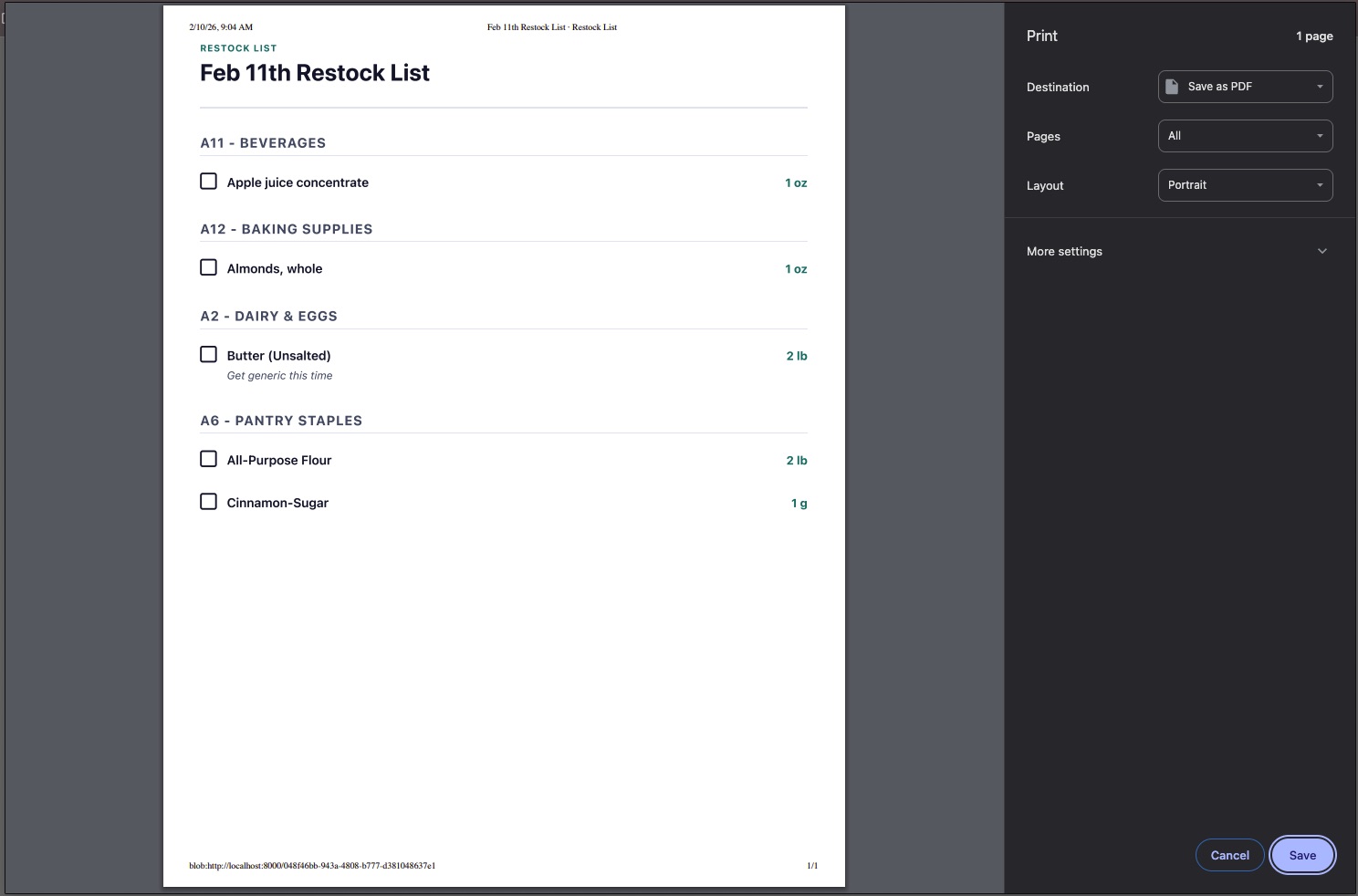
For sharing and follow-through, you can print a clean version of the list, copy it to your clipboard, and track it through Active, Completed, and Archived statuses. Low stock lists also support a configurable buffer multiplier, plus organization-wide defaults for grouping and rounding.
Check it out:
Have ideas about how to make this feature better? We'd love to hear them! Shoot us an email at hello@mixnbatch.app