
New feature: Bake Mode
Plan a bake day from real demand.
Bake Mode is for production planning. It pulls together what needs to be baked for a given date based on demand from orders, consignment drops, and upcoming sales sessions, then lets you turn that demand into a simple, ordered plan you can work through batch by batch.
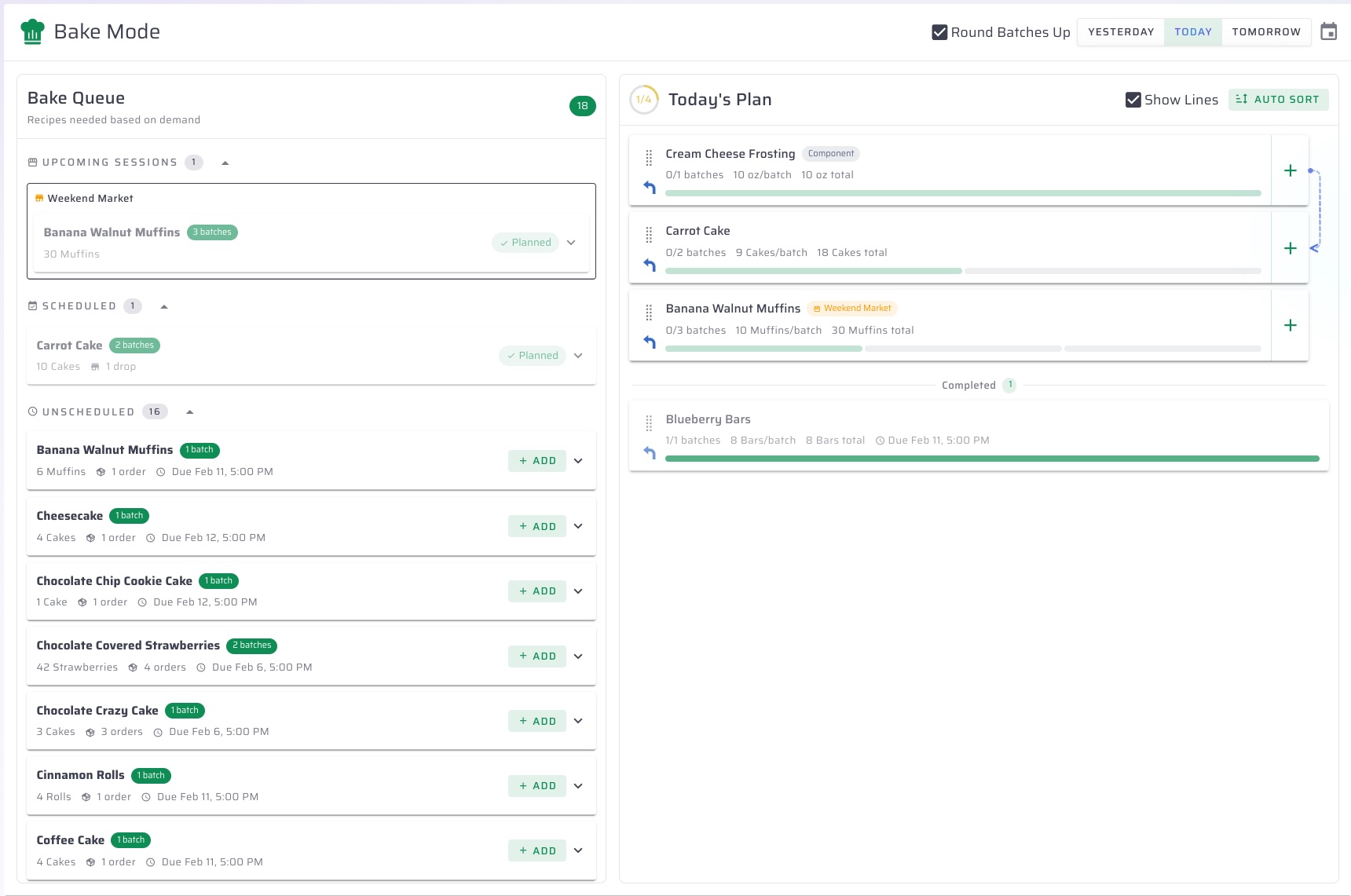
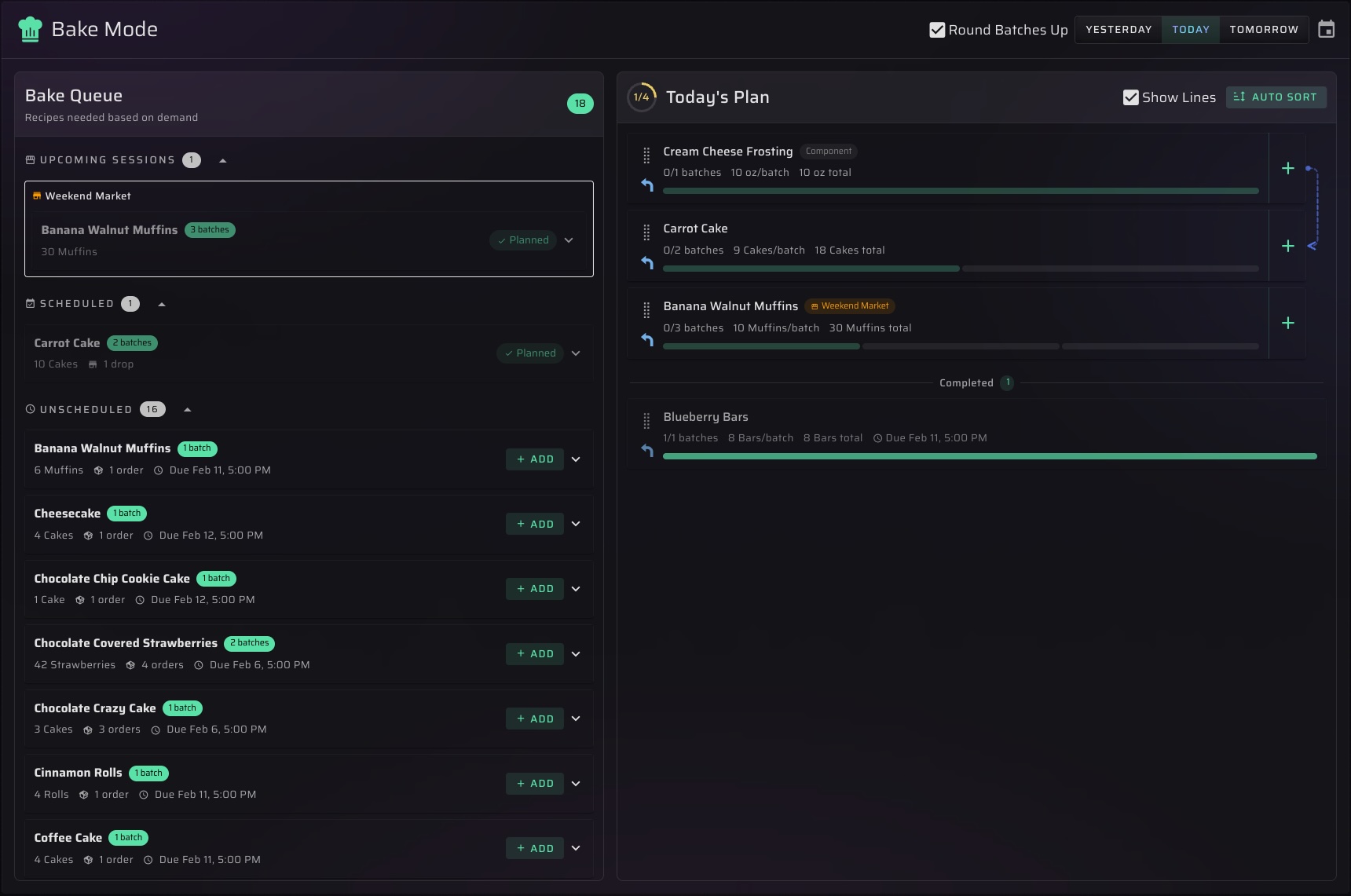
The Bake Queue
On the left, Bake Queue shows recipes needed for the selected date, grouped into:
- Upcoming Sessions: recipes needed for sales sessions scheduled to bake that day
- Scheduled: pending orders (and consignment drops) with a bake date on that day
- Unscheduled: pending orders with no bake date yet
Each recipe shows:
- Total quantity needed and the number of batches required
- How many orders and consignment drops it comes from
- The earliest due time (when available)
You can expand an item to see exactly what is driving the demand, including the specific orders or drops and their line items.
The Plan
On the right, your plan is the list of recipes you are actually going to bake for that date.
From here you can:
- Add recipes from the queue into the plan
- Reorder the plan by dragging items
- Use Auto Sort to place component recipes before the recipes that depend on them, then sort by the earliest bake time or due time
- Track progress as you complete batches
As you complete batches, the plan updates the completed count and moves finished items into a Completed section.
Component recipes are handled for you
If a recipe requires components, Bake Mode can add those component recipes to the plan as well, and the plan can show connector lines so it is easier to see what feeds into what.
Batch rounding (when you want it)
Bake Mode can round batch counts up (the default) so the queue stays practical for production, and you can switch it off if you want to see fractional batch math.
Date controls
Bake Mode is date-based. You can quickly jump between Yesterday, Today, and Tomorrow, or pick any date, and both the queue and the plan update together.
Typical workflow
- Pick the date you are baking for.
- Review the queue sections to see what demand is coming from orders, consignments, and sessions.
- Add the recipes you want to bake into the plan.
- Auto sort if you want components and timing to drive the order.
- Work down the plan and mark batches complete as you go.
Have ideas about how to make this feature better? We'd love to hear them! Shoot us an email at hello@mixnbatch.app