
New feature: Suggested Pricing
Automatically set pricing data for your supplies
Ding! Suggested Pricing is now available in Mix n' Batch!
Setting purchase costs can be a chore, but it's necessary if you want to know the true costs of your recipes and products. We've made that easier by connecting your supplies to real retailers across the country! Simply click the suggest a price button, select the product that matches your supply item, and bam you have your pricing data in Mix n' Batch!
How it works:
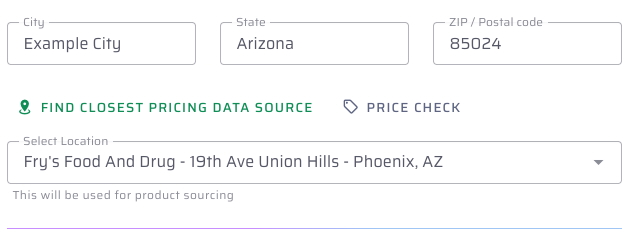
- Set your closest pricing provider
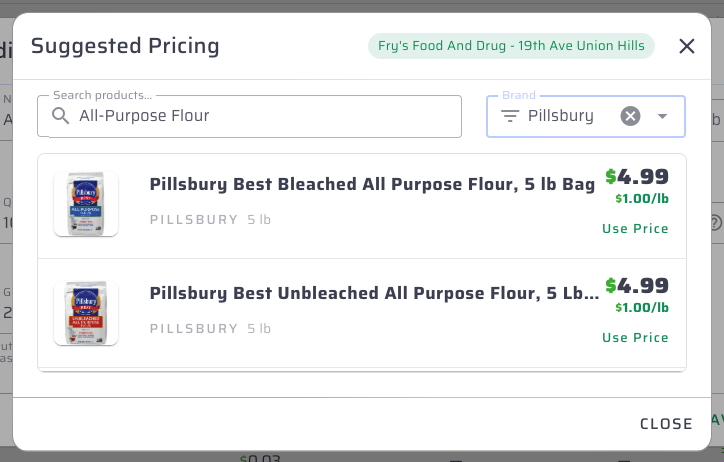
- Click the "Suggest Price" button on your supplies
- Select the product that matches your supply item
Check it out:

Have ideas about how to make this feature better? We'd love to hear them! Shoot us an email at hello@mixnbatch.app